Pretoria 012 567 7911 | Centurion 012 664 8903
Head Office - Pretoria
Centurion

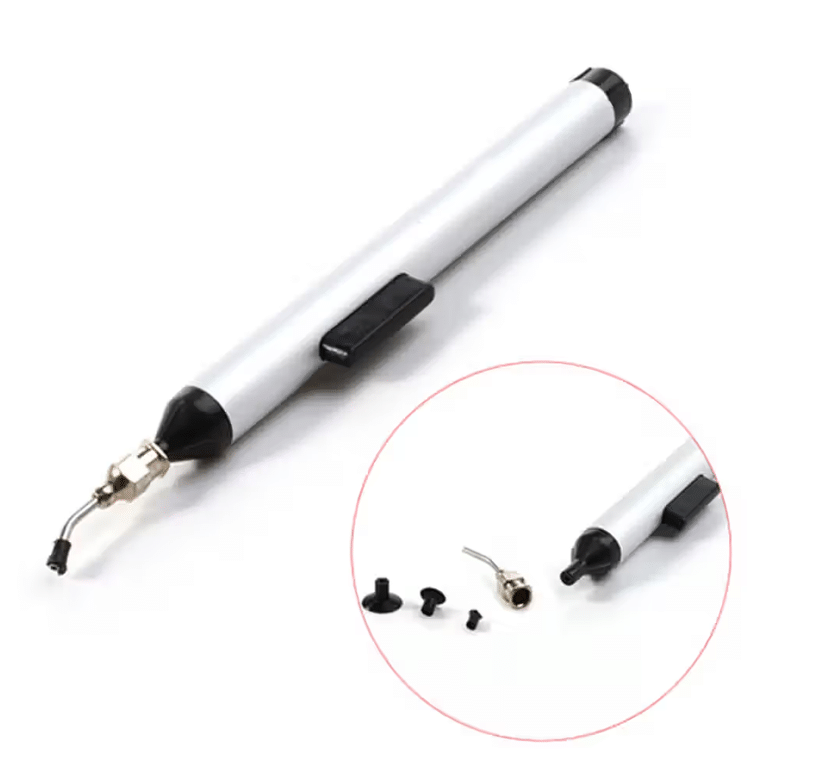
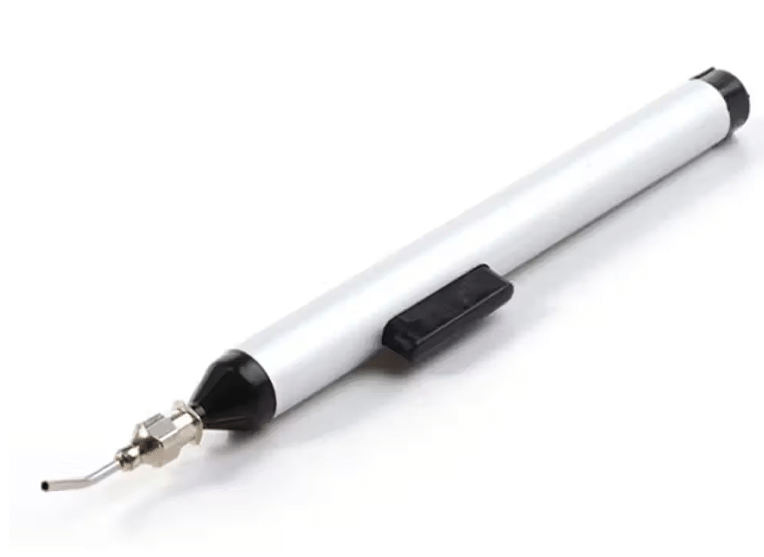
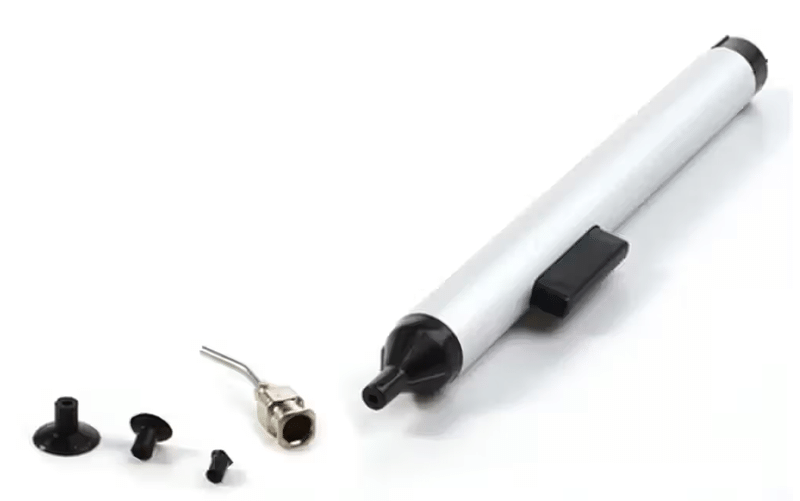
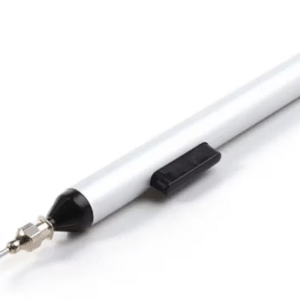
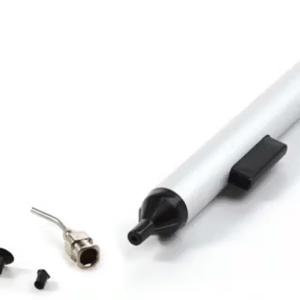
FFQ 939 Vacuum Sucking Pen Easy Picker IC Tool SMD IC Hand Tool
R149.00 inc VAT
- Brand new vacuum sucking pen easy picker IC tool for install or place an IC esiler
- 3 suction headers are provided with this suction pencil to meet different sizes of IC
- Soft ESD-sate conductive silicone suction cups won’t scratch or damage sensitive parts
- Lightweight sucking pen, easy to carry and easy to use
0 people are viewing this product right now
🔥 1 items sold in last day
- 1. Install a proper IC suction header on suction pencil
- 2. Place the suction header level on IC
- 3. Press down the button on the suction pencil to let out the air within the vacuum unit, then release the button to produce vacuum suction force to pick up IC
- 4. Put the IC on a proper place, press down the button, the vacuum unit discharges air to let the IC fall off the suction header
- 5. 3 suction headers are provided with this suction pencil, large size, medium size and small size respectively for: (1) Large size for 40g; (2) Medium size for 18g; (3) Small size for 3g
Related products








Reviews
There are no reviews yet.